



Wheel Alignment Essentials for Acura Vehicles
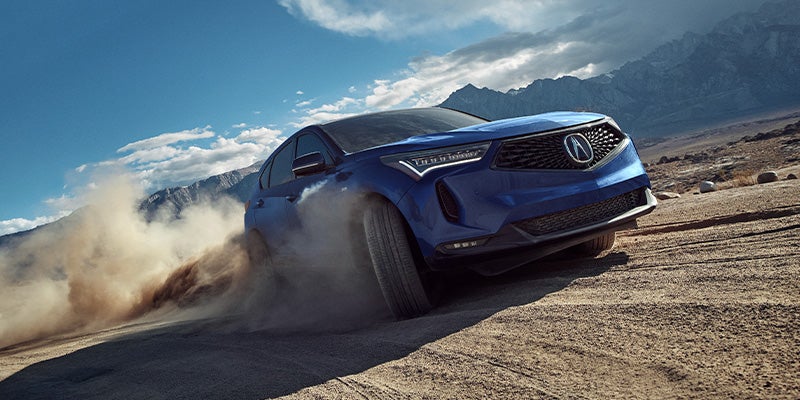
Picture cruising in your car, confident in every precise turn of the wheel, without a hint of vibrations or worry about tire traction. Routine wheel alignment maintains this ideal driving state, giving you peace of mind and silky smooth rides. However, if you neglect to regularly realign your car’s wheels at your local Acura dealership, your handling, steering, traction, and overall driving pleasure will gradually worsen. Read on to learn more.
Read the rest of this entry »How Regular Oil Changes Benefit Your Acura

If you value your car’s performance and longevity, it’s unwise to cut corners on oil changes. Without the powerful lubricating, cleaning, and anti-corrosion properties that motor oil provides, engines break down with shocking rapidity. Let’s look in more detail at the many reasons to routinely change your motor oil at your local Acura dealership.
Read the rest of this entry »5 Impressive Features of the 2024 Acura ZDX
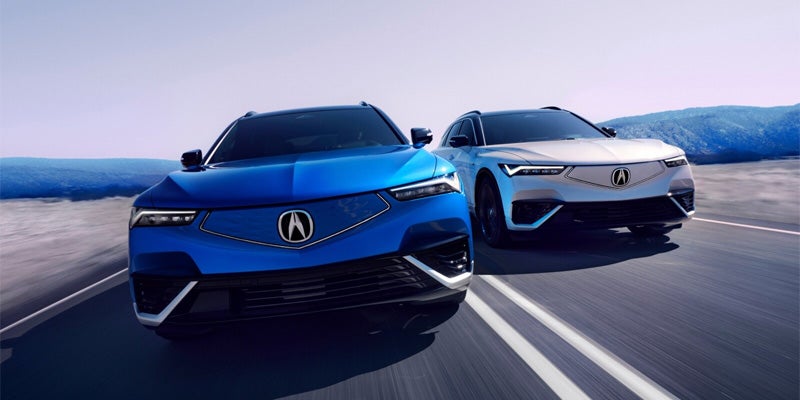
Acura is reviving the ZDX to meet the modern age, taking inspiration from the original gas-powered model that debuted in 2010 and transforming it into a fully electric luxury SUV. The 2024 Acura ZDX also features a unique body style, an outstanding range, and a standard premium sound system.
5 Impressive Features of the 2024 Acura ZDX
1. Electric Drivetrain
The base A-Spec RWD trim features single-motor rear-wheel drive, offering up to 358 horsepower and 342 pound-feet of torque, giving you plenty of power and speed. If you want even more, you can add the optional second motor to increase the horsepower to 490 or choose a higher trim level for dual motors and all-wheel drive. You’ll get the best range with the base trim, rated at 313 miles on a full charge.
2. Unique Styling
The illuminated seamless pentagon grille combined with the signature Chicane daytime running lights and Jewel Eye LED headlamps make for a sharp, modern look exclusive to Acura. Drivers love the beautiful statement made by the dramatic angles of the front fascia, giving the 2024 ZDX a personality of its own. The A-Spec and Type S trim families also each come with their own exclusive sport appearance package.
3. Ambient Lighting
Inside the cabin of the 2024 ZDX, you’ll find many luxurious touches, including customizable ambient lighting with up to 26 different color combinations. Match your door handle and instrument panel lighting to your mood with the A-Spec trims, or expand the lighting to your console and footwell when you upgrade to one of the Type S trims.
4. Premium Sound
Many vehicles offer premium sound systems exclusively with their higher trim levels, but not the 2024 ZDX. A premium BANG & OLUFSEN sound system comes standard and includes 18 speakers. Bluetooth streaming and wireless phone charging make it more convenient to stream your favorite audio and enjoy outstanding sound quality throughout your vehicle. If you’d rather listen to HD radio than stream from your phone, all ZDX models can do that too.
5. Advanced Driver Safety
The 2024 ZDX comes loaded with modern safety features like auto emergency braking in front and rear, front pedestrian braking, lane keep assist, cross traffic alert and braking, and side blind zone alert. The A-Spec trims come with four parking sensors each in the front and rear, and the Type S trims come with two additional sensors on each end, plus even more features included in the AcuraWatch 360+ safety system.
For all these reasons and more, the 2024 ZDX is an excellent choice for luxury SUV lovers who yearn for an all-electric ride. Come visit Open Road Acura of East Brunswick in East Brunswick, NJ to test drive one and see all its features for yourself.
What Makes the 2024 Acura MDX Ideal for Families?

If you’re in the market for a new family vehicle, look no further than the 2024 Acura MDX! This mid-sized SUV is versatile and spacious, plus it boasts elegant styling and a robust powertrain. Here are just a few reasons why you should consider adding this compelling model to your household’s stable.
Read the rest of this entry »
Keeping an eye on your Acura’s fluids is the secret to ensuring it runs at its best mile after mile. The fluids in your car keep all the parts lubricated and cool and prevent friction and wear. Regularly visiting your Acura dealer for a fluid check is the secret to keeping your Acura in top condition for many years.
Read the rest of this entry »
The advanced Acura navigation system highlights our commitment to driver-friendly technology. Explore the features and benefits of this high-tech option, then test it out for yourself at your neighborhood Acura dealer.
Experience the Advanced Acura Navigation System at Your Local Acura Dealer
Accessing the Navigation System
To access navigation, select “Map” from the Home screen of your car’s infotainment touchscreen. You can also click the Navigation button from the Home screen to get turn-by-turn directions straight to your most recent destination.
Entering an Address
You can use your Acura’s touchscreen to input your destination. Click the “Where To” button, which has a magnifying glass icon. Then use the keyboard that appears on the screen to type in the address.
You can also touch the “Voice” button, which looks like a person speaking, if you prefer to use voice commands to input your destination. Once you select Go, you’ll see a few different routes on the touchscreen, where you can select your preferred way to go.
Saving an Address
Consider saving your home address in the system so you can always get directions home at the click of a button. On the Navigation menu, select “Set Home Location,” then enter the address and click “Done.” Once you complete this step, you can use the “Go Home” button for automatic directions.
Adding a Pitstop
It’s easy to find a great place to have coffee or stock up on snacks along your route. Click the “Map” button, then click the magnifying glass to search. When you find your stop, click “Go,” then “Add to Active Route.” After you stop, your turn-by-turn directions will continue to your final destination.
Making Regular Updates
You can periodically update your Acura’s navigation software to ensure you have the best available routes at your fingertips. Get the latest accurate data about nearly a million points of interest like ATMs, gas stations, and restaurants near year.
Adjusting Your Settings
Change the look and layout of the navigation system to suit your preferences. Click the Display Mode icon, which looks like a sun and a moon, to choose between Day or Night mode. You can also push the plus and minus buttons to adjust the brightness of the screen while using the Display Mode function.
To select an icon to represent your vehicle on the map, click Settings, then Map & Vehicle, then Vehicle to choose your favorite option. Under the Map & Vehicle menu, you can also click Driving Map View to change the orientation of the map.
Stop by to get a full tour of the navigation system and all Acura’s amazing tech features. Visit Open Road Acura of East Brunswick, NJ to test drive your next exceptional vehicle.
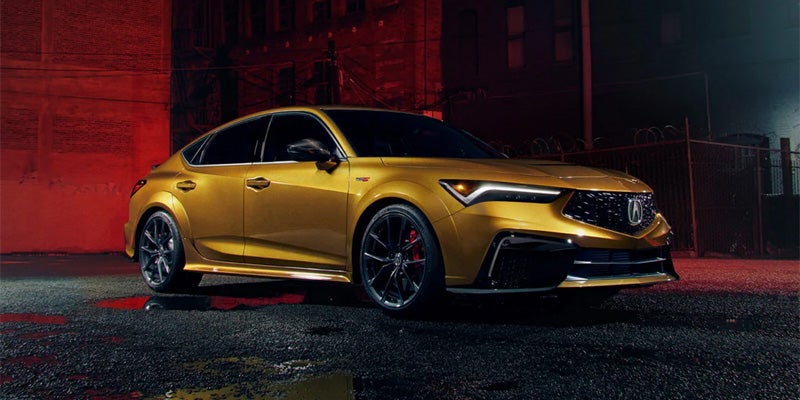
Combining an elegant style with two responsive and efficient engine options, the 2024 Acura Integra offers extraordinary value for your money and a long list of standard features across its different trim levels. Agile, sporty, and ready to take you on exciting adventures, the new Integra is waiting for you at your local Acura dealership. Schedule your test drive and learn all about this model today!
Read the rest of this entry »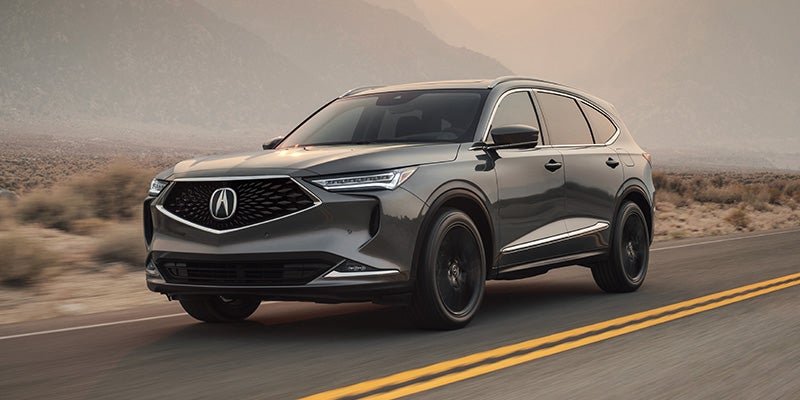
Athletic outside and luxurious inside, the 2024 Acura MDX is a great choice for families seeking a truly eye-catching three-row SUV.
Read the rest of this entry »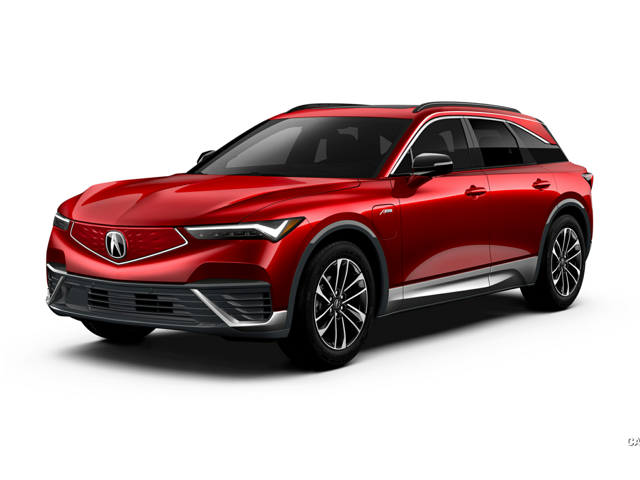
Among the many reasons Acura vehicles are a top choice among savvy car shoppers is their advanced safety technology. Explore Acura’s Adaptive Cruise Control (ACC) at your neighborhood Acura dealer and enhance your drive with advanced assistive technology designed to keep you and your passengers safe.
Read the rest of this entry »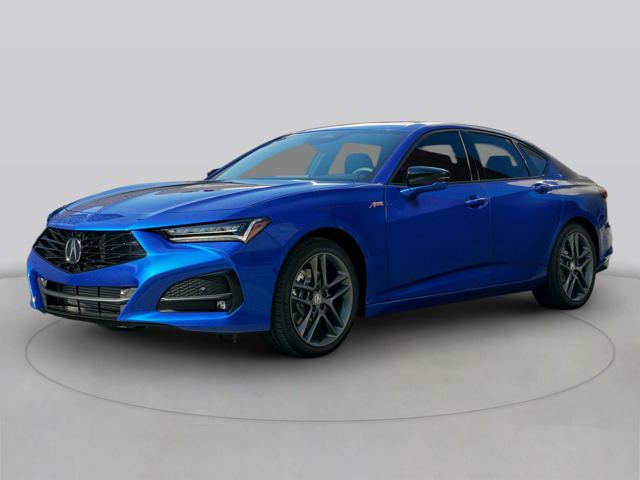
If you are looking for a sport sedan that embodies power and luxury, you need to check out the 2024 Acura TLX. The TLX is engineering at its finest, with a powerful stance, sharp acceleration, and responsive steering. This luxury sport sedan is available in three trim levels: the Technology, the A-Spec, and the Type S. Read on to learn more about the TLX and which trim level is the perfect choice for your family.
Read the rest of this entry »Connect with us


